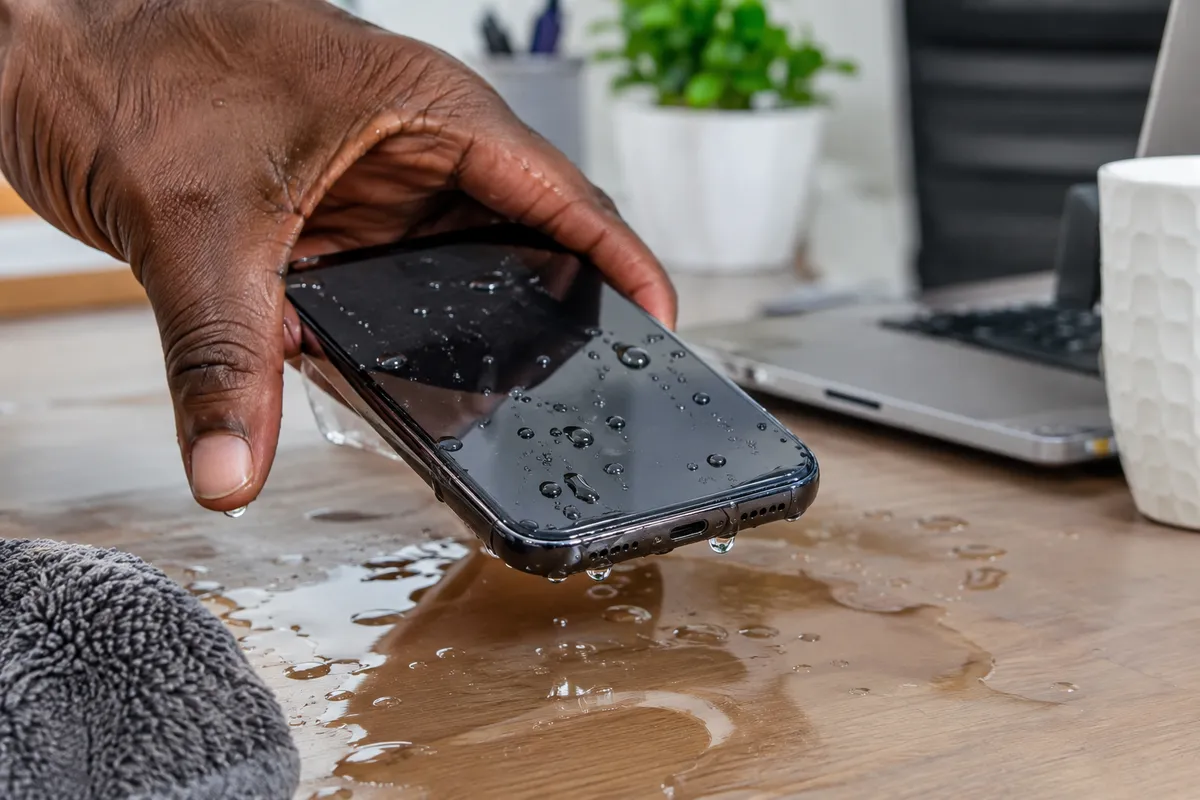
Dropped Your Phone in Water? Water Damage Repair in Nigeria
Dropped Your Phone in Water? What to Do Before It Gets Worse
Dropping your phone in water can happen in a flash. You may momentarily take your eyes off the phone, and the next second, it drops into a sink, bathtub, bucket, swimming pool, or toilet. When your phone drops into water, the next immediate steps you take will determine whether it will survive or develop serious internal damage.
So, we advise that you should not panic, nor should you still keep using the phone. Water can reach the charging port, speakers, microphone, display, battery, camera, and motherboard. Even when a phone appears to work normally immediately after getting wet, corrosion can develop inside the device and cause problems hours or days later.
In this article, we will be discussing the steps phone users in Gbagada, Abuja, Ikorodu, and other parts of Nigeria can take to remedy a phone that has dropped into water.
What Should You Do If You Drop Your Phone in Water?
The first few minutes are important, and these are the immediate steps we advise:
1. Remove the Phone From the Water
Get the phone out of the water immediately.
Don't leave it submerged while trying to figure out what to do. Every additional second of exposure gives water more opportunity to enter openings and internal components.
2. Turn the Phone Off
If the phone is still switched on, power it down immediately.
This is one of the most important steps after water exposure. Electricity flowing through wet electronic components can increase the possibility of short circuits and other damage.
If the phone has already turned off, don't try to switch it back on.
3. Disconnect the Charger
If your phone was connected to a charger when it got wet, disconnect the charger carefully.
Never plug a wet phone into a charger simply to see whether it still works. Charging while moisture is present around the port can cause additional electrical problems.
4. Remove the Case and Accessories
Take off the phone case and remove accessories that may trap moisture around the device.
If your phone has a removable SIM tray, you can remove it once the device is powered off and carefully wipe away visible moisture.
5. Gently Dry the Exterior
Use a clean, soft cloth to absorb water from the outside of the phone.
Pay particular attention to the:
Charging port
Speaker openings
Microphone
SIM tray area
Buttons
Camera area
Don't insert tissue, cotton swabs, paper, or other objects deep into the charging port.
Should You Put a Wet Phone in Rice?
You've probably heard the advice to put a water-damaged phone in rice. This approach does more harm than good.
Rice may absorb some moisture from the surrounding environment, but it doesn't properly remove water that has entered the phone. Small rice particles can also get into ports and openings, trapping moisture inside the phone.
Also, rice doesn't remove contaminants that may remain on internal components.
If your phone was significantly exposed to water, professional phone water damage repair in Nigeria is a better approach than relying on a household drying trick.
Why Water Damage Can Get Worse After the Phone Dries
One of the biggest misconceptions about water damage is that a phone is safe once the outside feels dry.
Unfortunately, that's not always the case.
Water can remain inside the phone around the motherboard, connectors, charging system, or other components. As moisture and contaminants remain in contact with electronics, corrosion can develop.
This means a phone could appear completely normal today and begin experiencing problems later, showing faults such as:
Battery draining unusually fast
Phone overheating
Charging problems
Speaker distortion
Microphone failure
Camera problems
Screen flickering
Touchscreen issues
Random restarts
Wi-Fi or Bluetooth problems
Phone refusing to turn on
These symptoms can indicate that the device needs professional inspection.
Phone Water Damage Repair in Gbagada
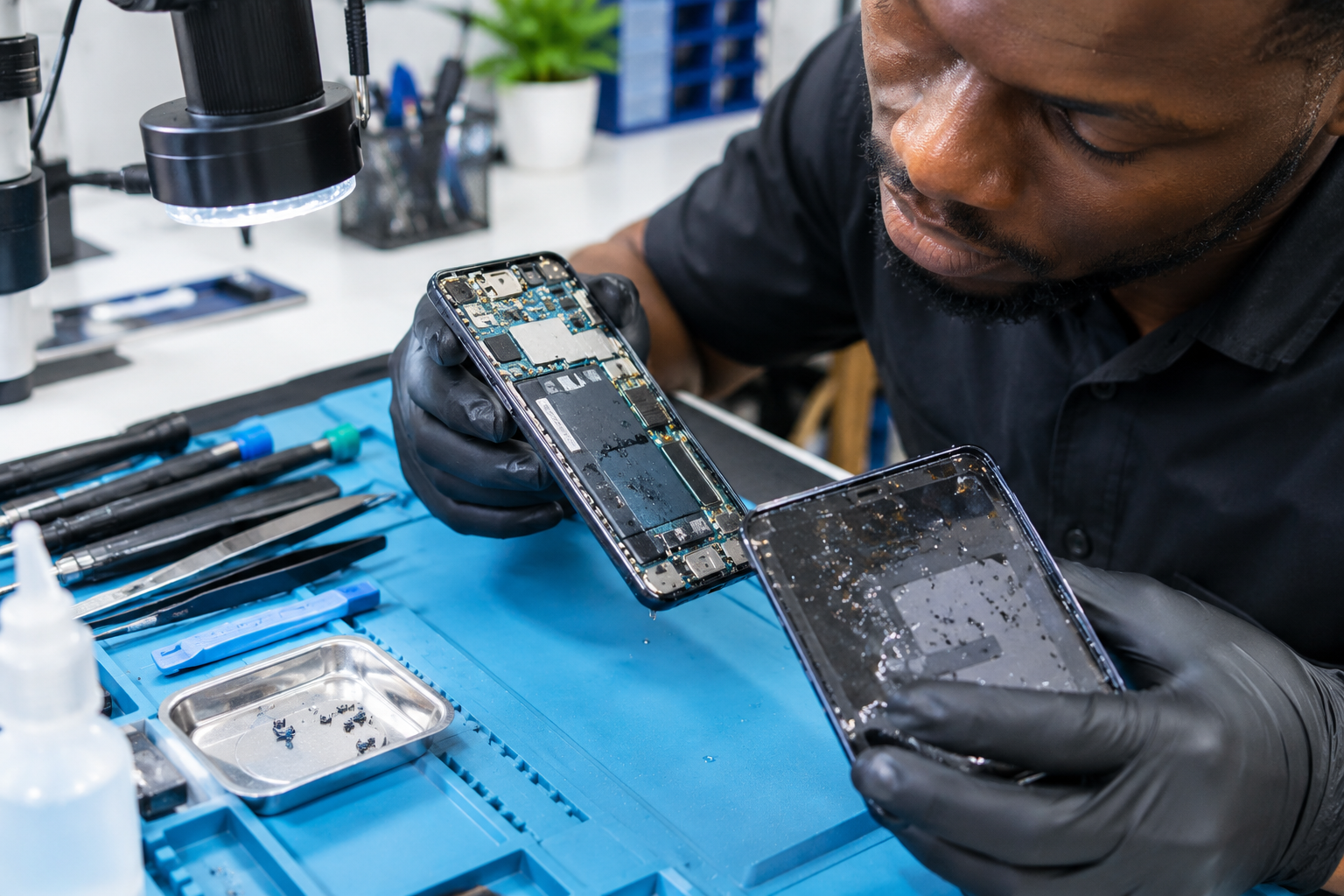
If you're in Gbagada, Lagos, and your phone has been exposed to water, getting it checked promptly can be important, especially if the device contains valuable photos, business information, contacts, or other important data.
Instead of repeatedly turning the phone on to test it, keep it powered off and seek professional assistance.
RepairBirds provides device repair services designed to help customers diagnose and address problems affecting smartphones and other electronics.
For customers around Gbagada and nearby Lagos communities, professional inspection can help determine whether the phone needs internal cleaning, component replacement, charging-port repair, or more extensive repair.
Phone Water Damage Repair in Abuja
Water damage can happen anywhere in Abuja, at home, at work, in a restaurant, around a swimming pool, or during everyday activities. When it happens and your phone starts behaving strangely, don't assume that replacing the charger or restarting the phone will solve the problem.
A proper diagnostic inspection can help identify whether moisture has affected the charging system, battery, display, motherboard, or other internal components.
RepairBirds can help Abuja customers assess their damaged devices and determine the most practical repair option.
Phone Water Damage Repair in Ikorodu
For customers in Ikorodu, a water-damaged phone can become a major inconvenience, particularly when the device is essential for communication, mobile banking, work, or business. This is why taking the right immediate steps is important.
It’s advisable to power off the phone immediately, disconnect it from any charger, dry the exterior carefully, and avoid unnecessary attempts to turn it back on.
If it won't power on afterward, professional water damage phone repair in Ikorodu can help determine whether the problem is repairable.
Can a Water-Damaged Phone Be Repaired?
Yes, water damage does not automatically mean that a phone is beyond repair.
The repair outcome depends on several factors, including:
Type of liquid
Amount of liquid exposure
How long the phone was submerged
Whether the phone was powered on
Whether it was connected to a charger
Where the liquid entered
How quickly the phone was switched off
Whether corrosion has developed
A professional technician can inspect the phone and determine the extent of the damage and the required repairs.
Some devices may need internal cleaning or a charging-port repair, while more serious cases can involve the display, battery, motherboard, or other components.
What About Salt Water or Dirty Water?
Not all water damage is the same.
Phones exposed to swimming-pool water, salt water, muddy water, soapy water, drinks, or other liquids may face additional contamination.
Residue left behind after the liquid evaporates can affect electrical contacts and components.
That's another reason why simply allowing a phone to "dry out" may not be enough.
What You Should Never Do After Water Damage
After dropping your phone in water, avoid these common mistakes:
Don't keep using it. Continued operation can increase the risk of electrical damage.
Don't charge it. Moisture around the charging port can create additional problems.
Don't use high heat. A hair dryer or heat gun can damage the screen, battery, adhesives, and internal components.
Don't shake the phone aggressively. This can move liquid farther inside the device.
Don't repeatedly restart it. Testing the functionality of a water exposed phone can worsen an existing electrical problem.
Don't assume it is fine because the screen works. Internal corrosion may still develop.
When Should You Take a Water-Damaged Phone to a Repair Professional?
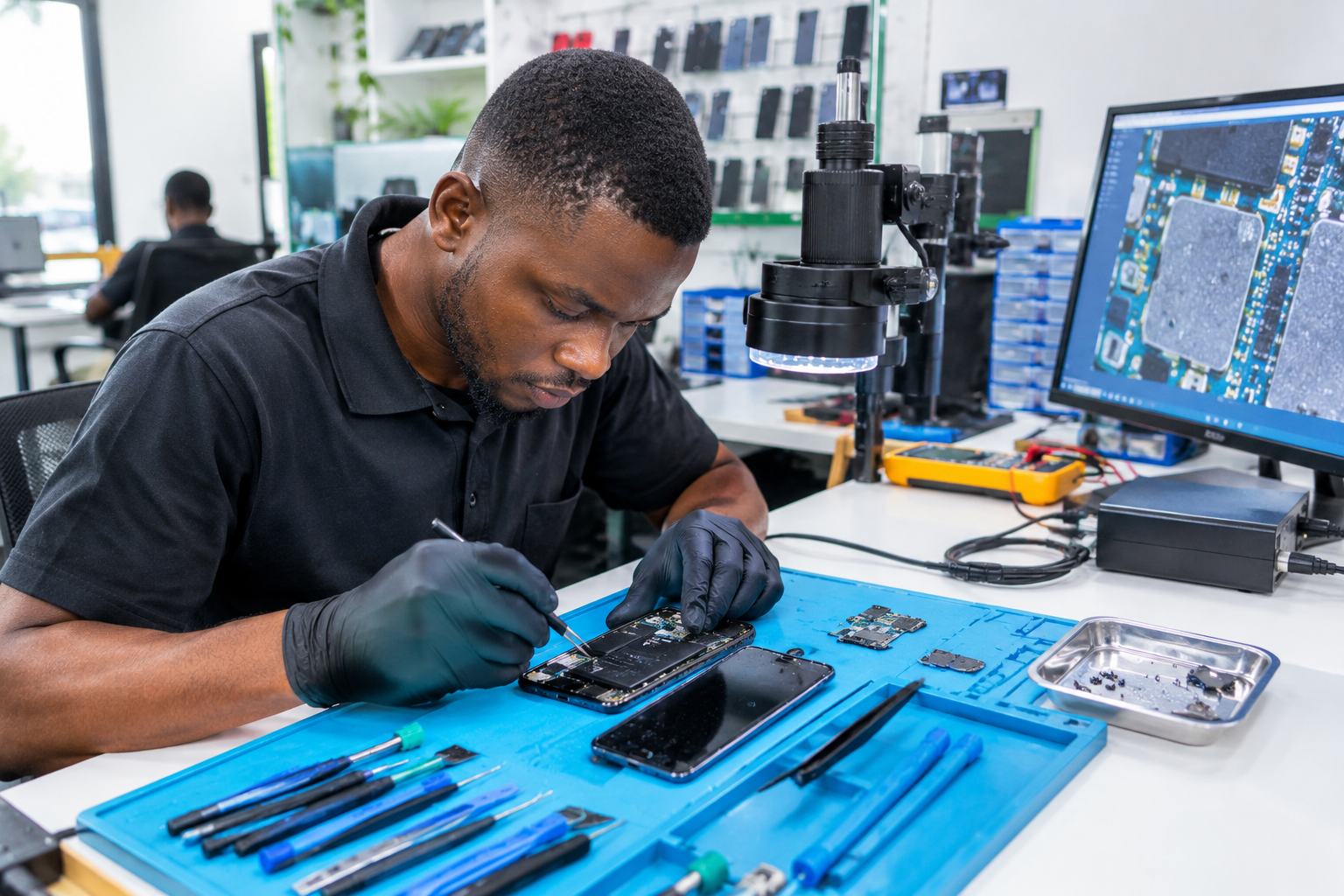
Professional inspection is particularly important if:
Your phone won't turn on.
The screen is flickering.
The touchscreen isn't responding.
The phone isn't charging.
The battery is draining quickly.
The device is overheating.
The speakers sound distorted.
The camera has moisture inside it.
Your phone repeatedly restarts.
Water entered the charging port or other openings.
The sooner the phone is properly assessed, the better your chances of identifying damage before it becomes more extensive.
RepairBirds Can Help With Water-Damaged Devices in Nigeria
A water-damaged phone doesn't always need to be replaced. RepairBirds provides reliable diagnostics and repair services for customers with liquid exposed smartphones and other electronic devices.
Whether you're in need of phone water damage repair in Gbagada, Abuja, Ikorodu, or nearby areas, Repairbirds can professionally assess your device and help you understand what happened and what repair options are available.
If you value your phone, don't take unnecessary risks by repeatedly powering it on after exposure to water, or attempting complicated DIY repairs. Seek professional help.
Final Thoughts
If you've dropped your phone in water, speed matters.
Turn it off, disconnect the charger, remove the case, gently dry the exterior, and avoid repeatedly testing the device. Don't rely on rice or high heat as a substitute for professional inspection.
For customers in Gbagada, Abuja, Ikorodu, and surrounding Nigerian communities, RepairBirds can help diagnose water-damaged phones and determine whether the device can be repaired.
A quick response today could make the difference between a manageable repair and a much more expensive problem tomorrow.