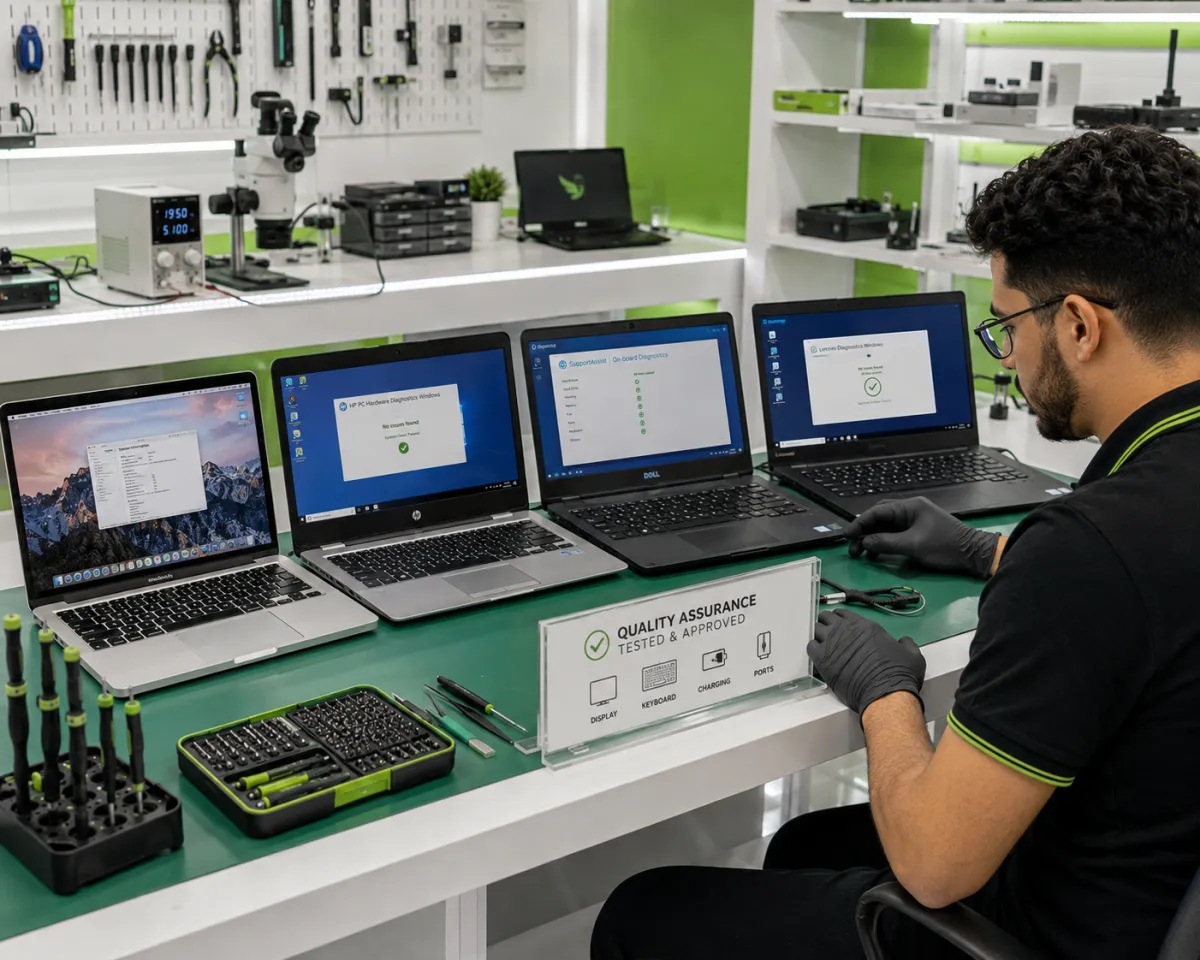
Laptop Repair in Abuja: Overheating, Charging, and Keyboard Problems
Laptop Repair in Abuja: Overheating, Charging, and Keyboard Issues Explained
When your laptop begins to overheat, fails to charge, or has an unresponsive keyboard, your work, studies, or business operations can be disrupted. Whether you're a student, a remote worker, an entrepreneur, or a business professional, these problems can reduce productivity and lead to more serious hardware failures, if ignored.
Fortunately, many of these issues can be repaired, saving you the cost of replacing your laptop. At RepairBirds Abuja, our certified technicians provide professional diagnostics and repairs for HP, Dell, Lenovo, Apple MacBook, ASUS, Acer, Microsoft Surface, Samsung, MSI, and many other laptop brands.
In this guide, we'll explain why these problems occur, how they're repaired, when same-day service is possible, and how to prevent future damage.
Why These Laptop Issues Are So Common
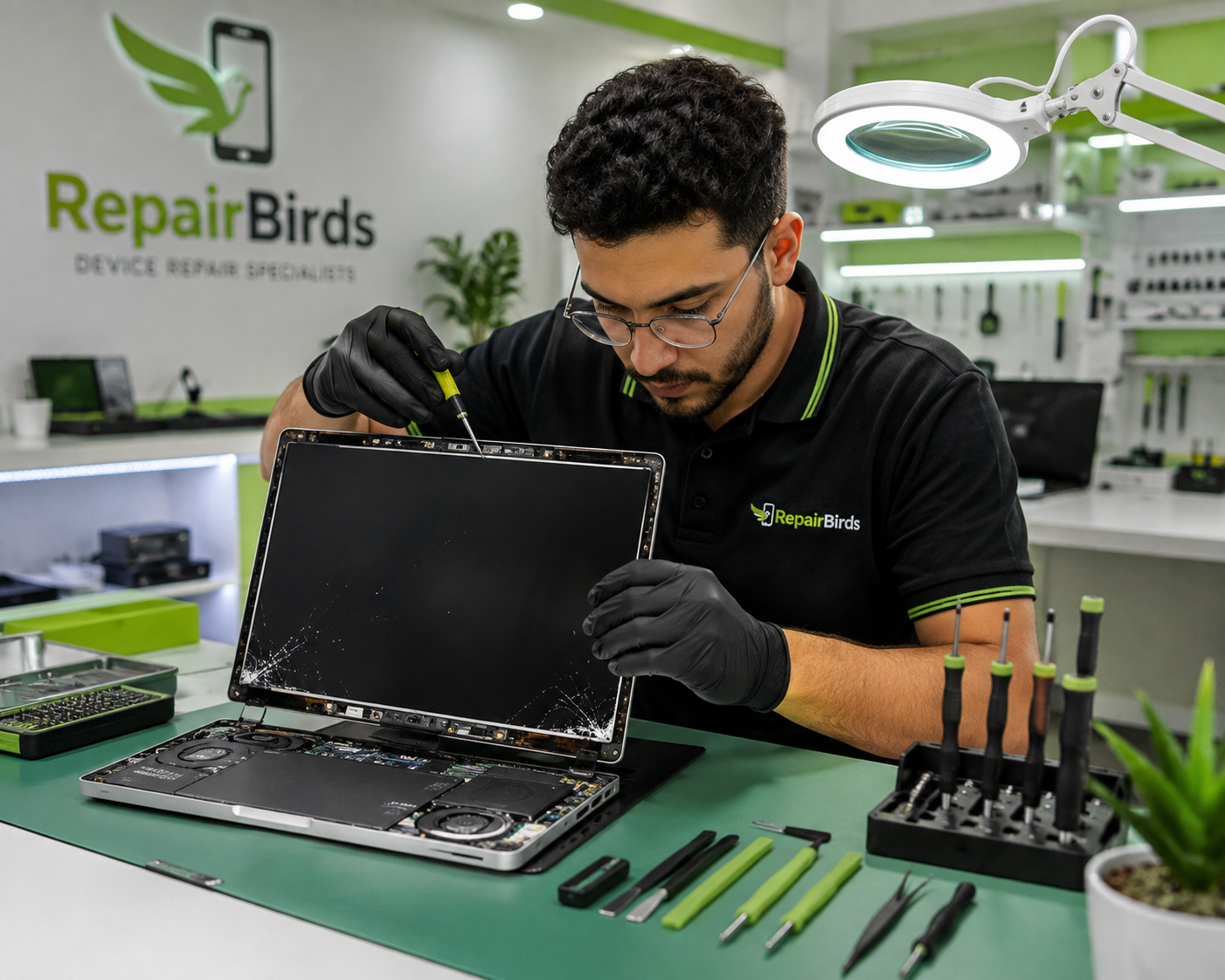
Laptops are designed for portability, but daily use exposes them to dust, accidental spills, heat, power fluctuations, and physical wear. Over time, these factors can affect performance and damage internal components.
Here are the common causes of laptop issues:
Dust Buildup
Dust is one of the leading causes of overheating. It blocks cooling vents and coats internal fans, preventing heat from escaping efficiently.
Heavy Daily Usage
Running multiple applications, editing videos, gaming, or using demanding software for extended periods increases heat generation and places stress on internal components.
Poor Ventilation
Using a laptop on beds, pillows, or soft furniture blocks airflow, causing temperatures to rise much faster than intended.
Charger Wear and Tear
Frequent bending of charging cables, poor-quality chargers, and constant plugging and unplugging can damage the charger or charging port.
Accidental Liquid Spills
Water, coffee, soft drinks, and other liquids can damage keyboards, charging circuits, and the motherboard if not handled quickly.
Overheating in Laptops
Warning Signs
Overheating rarely happens without warning. Recognizing the symptoms early can help prevent permanent damage.
Common warning signs include:
Loud cooling fan
Laptop becoming unusually hot
Sudden shutdowns or restarts
Slower performance
Applications freezing
Reduced battery life
Hot keyboard or palm rest
Error messages related to system temperature
Ignoring these warning signs can eventually damage the processor, battery, motherboard, or storage drive.
Common Causes
Causes of overheating in laptops include:
Dust blocking the cooling system
Faulty cooling fan
Dried thermal paste
Poor airflow
High CPU or GPU workload
Malware causing excessive background activity
Professional laptop overheating repair in Abuja includes cleaning, thermal paste replacement, fan inspection, and diagnostic testing.
What Causes Charging Problems?
If your laptop indicates "Plugged In, Not Charging" or won't power on unless connected to the charger, these faults could be responsible:
Faulty Power Adapter
Power adapters naturally wear out over time and may stop delivering the correct voltage.
Damaged Charging Port
A loose or damaged charging port can interrupt power delivery and prevent proper charging.
Battery Wear
Laptop batteries gradually lose their ability to hold a charge after hundreds of charging cycles.
Motherboard Charging Circuit Issues
In some cases, the charging problem originates from the motherboard's power management circuitry, requiring advanced diagnostics.
Professional laptop charger port repair in Abuja helps identify the exact cause to avoid unnecessary parts replacement.
Keyboard Problems That Need Professional Repair
Laptop keyboards are constantly being used, making them susceptible to physical damage and liquid exposure.
Stuck or Non-Responsive Keys
Dust, debris, or worn switches may cause keys to stop functioning correctly.
Liquid Damage
Even a small spill can damage the keyboard membrane or internal circuitry.
Partial Keyboard Failure
If only certain keys stop working, the issue may involve damaged ribbon cables or internal connectors.
Ribbon Cable Damage
Loose or damaged ribbon cables often prevent the keyboard from communicating with the motherboard.
Professional keyboard repair in Abuja may involve cleaning, cable replacement, or installing a new keyboard assembly depending on the diagnosis.
Can These Problems Be Fixed the Same Day?
Many laptop issues can be resolved on the same day, depending on the model and parts availability.
Repairs Often Completed the Same Day:
Battery replacement
SSD upgrades
RAM upgrades
Keyboard cleaning
Fan cleaning
Thermal paste replacement
Software optimization
Repairs That May Require Additional Time:
Motherboard repairs
Charging circuit repairs
Liquid damage restoration
Charging port replacement
Screen replacement (if parts are unavailable)
RepairBirds undertakes all the listed repairs, performing a full diagnostic first to ensure customers receive an accurate estimate and timeline.
How to Prevent Repeat Damage After Repair
Preventive care helps extend your laptop's lifespan and reduce future repair costs.
Below are some habits you should adopt to make your laptop last longer:
Keep the Cooling System Clean
Have your laptop professionally cleaned every 6–12 months, especially if you use it daily.
Use a Surge Protector
Power fluctuations can damage charging circuits and internal components. A quality surge protector offers valuable protection.
Improve Cooling
Avoid placing your laptop on soft surfaces that block ventilation. Consider using a cooling pad for intensive tasks.
Carry Your Laptop Safely
Use a padded laptop bag to protect your device from accidental drops and pressure during transport.
Avoid Food and Drinks Near Your Laptop
Many keyboard and motherboard repairs are caused by accidental liquid spills. Keeping drinks away from your workspace can prevent costly damage.
What to Look for in a Laptop Repair Service in Abuja
Choosing a qualified repair provider is just as important as repairing the laptop itself.
Look for a repair shop that offers:
Professional diagnostics before repairs
Transparent repair quotes
Experienced technicians
Warranty on repairs
High-quality replacement parts
Clear communication throughout the repair process
Positive customer reviews
Timely updates on repair progress
At RepairBirds Abuja, every laptop undergoes a comprehensive inspection before repairs begin, ensuring customers understand the issue, the solution, and the expected turnaround time.
Why Choose RepairBirds for Laptop Repair in Abuja?
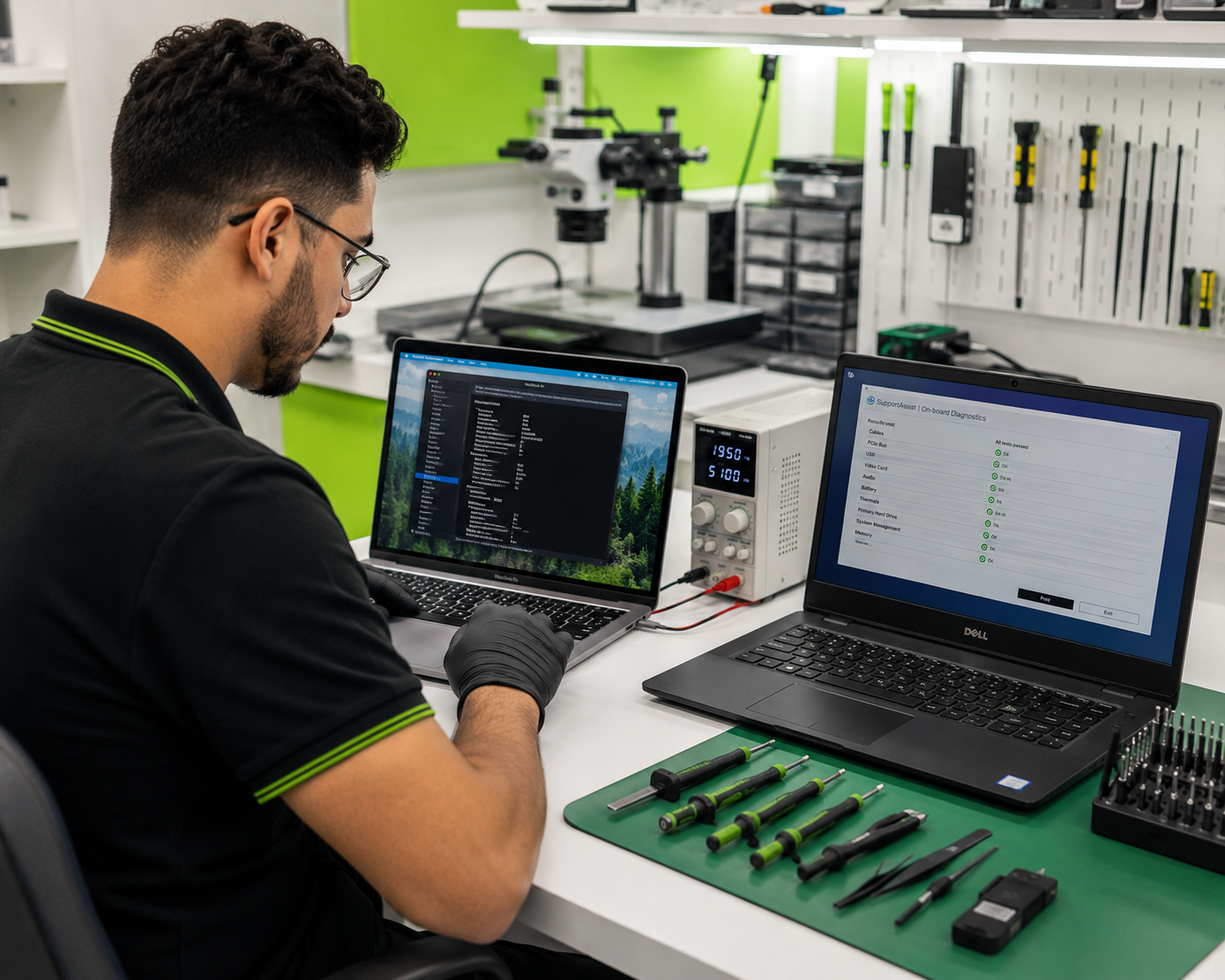
RepairBirds has become the preferred destination for Abuja residents who seek to repair their faulty laptops reliably. At RepairBirds, we provide quality repair solutions for personal and business laptops across Abuja, servicing brands such as:
Apple MacBook
HP laptops
Dell laptops
Lenovo laptops
ASUS laptops
Acer laptops
Microsoft Surface devices
Samsung laptops
MSI gaming laptops
Our services include:
Laptop diagnostics
Screen replacement
Battery replacement
Keyboard repair
Charging port repair
Cooling system maintenance
Motherboard diagnostics
Liquid damage repair
SSD upgrades
RAM upgrades
Customers choose RepairBirds because we offer the following advantages:
Certified technicians
High-quality replacement parts
Transparent pricing
Fast turnaround times
Warranty-backed repairs
Friendly customer service
Frequently Asked Questions
How much does laptop repair cost in Abuja?
Repair costs vary depending on the laptop brand, model, and the type of repair required. A professional diagnostic provides an accurate quote before any work begins.
Can overheating damage a laptop permanently?
Yes. Prolonged overheating can damage the processor, battery, motherboard, and storage components if left unattended.
Why is my laptop plugged in but not charging?
The issue may be caused by a faulty charger, damaged charging port, worn battery, or a problem with the motherboard's charging circuit.
Can keyboard problems be repaired without replacing the whole laptop?
Yes. Many keyboard issues can be fully resolved by replacing the keyboard assembly, repairing ribbon cables, or cleaning internal components without replacing the entire laptop.
Is it worth fixing an old laptop?
If the laptop still meets your performance needs and only one or two components require repair, fixing it is often more cost-effective than buying a new device.
Request a Laptop Assessment from RepairBirds Abuja
Laptop problems don't always mean you need to replace the device. Whether your device is overheating, refusing to charge, or suffering from keyboard issues, our experienced technicians at RepairBirds Abuja can diagnose the problem and recommend the most cost-effective solution.
Visit our Abuja Laptop Repair page today to learn more about our services, schedule a Device Diagnostics appointment, explore our BYOP (Buy Your Own Phone) options if you're considering an upgrade, or request a personalized repair quote.
Book for a laptop assessment from RepairBirds Abuja today and let our experts help restore your device to peak performance.