Why the Lagos Heat & Humidity Are Killing Your Laptop (And How to Fix It)
Lagos is arguably Africa's busiest and most vibrant city, with an environment that is challenging to both humans and electronic gadgets. Lagos’ intense tropical heat, high humidity levels, dusty roads, generator fumes, and unstable power supply accelerate wear and tear in laptops.
If your laptop feels unusually hot, shuts down unexpectedly, freezes while working, or makes unusual, loud sounds, the Lagos climate may be the culprit.
Fortunately, most heat-related laptop issues can be prevented or repaired before they degenerate into expensive disasters.
How Lagos Weather Affects Your Laptop
Unlike desktop computers, laptops rely on compact cooling systems with limited airflow. When external temperatures rise, your laptop has to work much harder to maintain safe operating temperatures.
Excessive heat causes internal components such as the processor (CPU), graphics chip (GPU), battery, and motherboard to operate under constant stress. Over time, this can reduce performance, shorten component lifespan, and increase the risk of sudden hardware failure.
Humidity poses another hidden threat. Moisture in the air can gradually contribute to corrosion of internal circuits, especially if the laptop is regularly exposed to damp environments or spaces with poor ventilation.
Dust Buildup and Generator-Related Problems
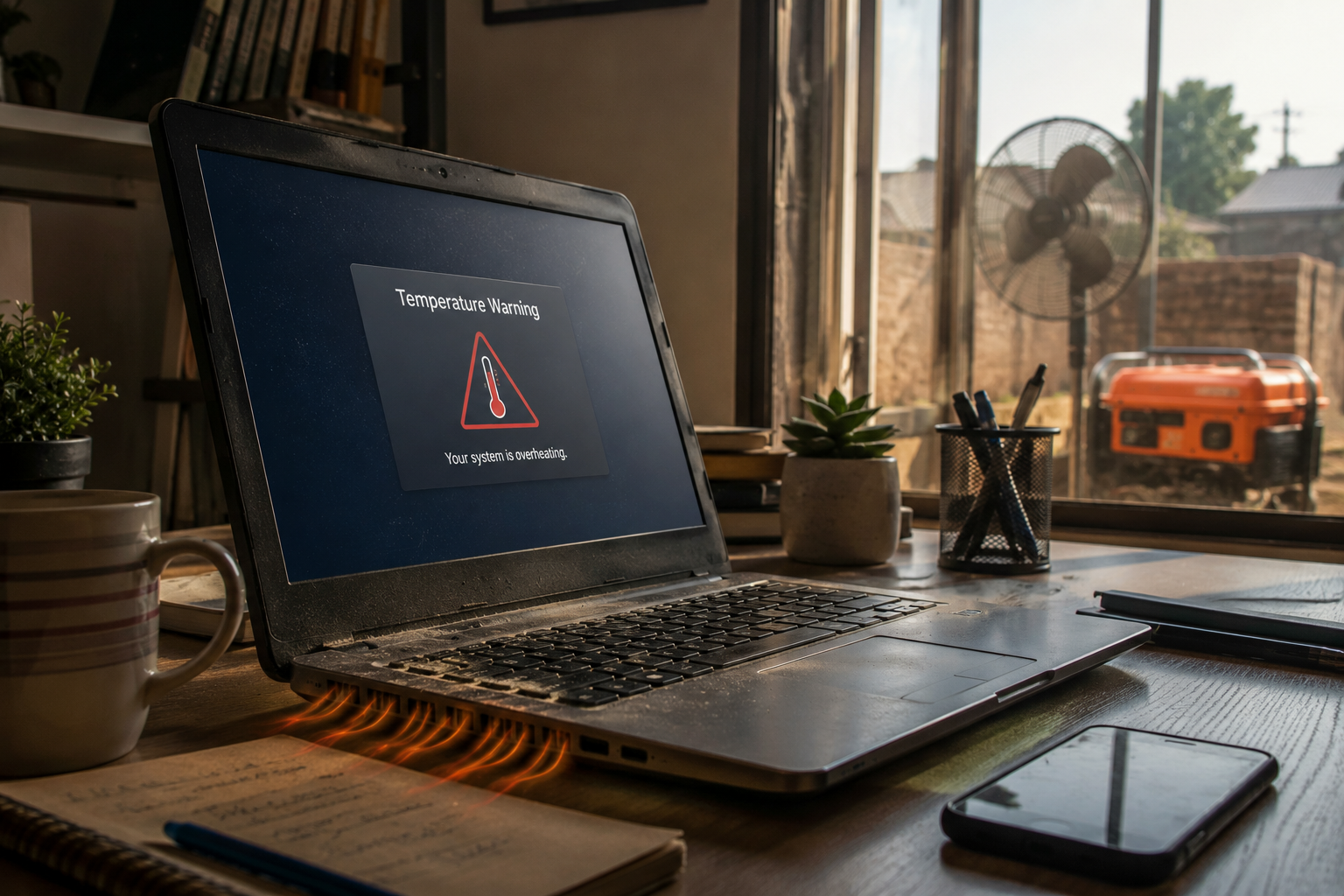
Many Lagos homes and businesses depend on generators during power outages. While generators provide essential electricity, they also contribute to two major laptop threats:
1. Dust Accumulation
Dust particles from roads, construction sites, and generator exhaust enter laptop cooling vents and settle inside the machine. Over time, this dust forms thick layers around cooling fans and heat sinks.
When airflow becomes restricted:
Internal temperatures rise rapidly
Fans spin faster and become louder
Performance slows down
Components wear out faster
The laptop may shut down unexpectedly
2. Power Surges and Voltage Fluctuations
Frequent switching between generator power and public electricity can create voltage spikes that damage sensitive laptop components.
Power surges commonly affect:
Charging ports
Motherboards
Batteries
Power management circuits
Laptop chargers
Using a high-quality surge protector or UPS can significantly reduce the risk of electrical damage.
Common Signs Your Laptop Is Overheating
Many users ignore early warning signs until the laptop stops working entirely. Recognizing these symptoms early can save you thousands of naira in repair costs:
Excessive Heat
If the underside of your laptop becomes extremely hot after only a short period of use, the cooling system may already be struggling.
Loud Fan Noise
A healthy laptop fan should operate quietly most of the time. If you hear:
constant loud spinning,
grinding sounds,
buzzing noises, or
airplane-engine-like noise,
your cooling vents may be clogged or the fan could be failing.
Sluggish Performance
When temperatures become too high, the processor automatically slows itself down to prevent damage. This is known as thermal throttling.
Observable cases of sluggish performance include:
Slow startup times
Applications freezing
Delayed responses
Lag while browsing or working
Random Shutdowns
One of the clearest signs of severe overheating is sudden shutdown without warning. This is often a protective mechanism designed to prevent permanent hardware damage.
Screen Freezing and Crashes
Frequent blue screens, frozen displays, or unexpected system crashes can indicate overheating of critical components such as the CPU, GPU, or motherboard.
Why Ignoring Overheating Can Become Expensive
Many laptop owners continue using devices showing signs of overheating because they still function "most of the time." Unfortunately, excessive heat causes significant damage over time, including:
Motherboard failure
Damaged graphics chips
Battery swelling
Melted solder connections
Charging system problems
Data loss
Complete laptop failure
Replacing a motherboard or GPU can cost significantly more than routine maintenance.
Simple Ways to Reduce Laptop Heat
Before seeking professional repair, you can take these steps to improve your device’s cooling performance.
Use Your Laptop on Hard Surfaces
Avoid placing your laptop on:
Beds
Pillows
Sofas
Blankets
Soft surfaces block ventilation openings and trap heat.
Clean External Air Vents
Use compressed air to carefully remove visible dust from cooling vents.
Avoid Direct Sunlight
Never leave your laptop in a parked vehicle or under direct sunlight.
Use a Cooling Pad
A quality laptop cooling pad can improve airflow and reduce operating temperatures.
Shut Down Unnecessary Programs
Running multiple heavy applications simultaneously increases processor workload and heat generation.
The Importance of Thermal Paste Replacement
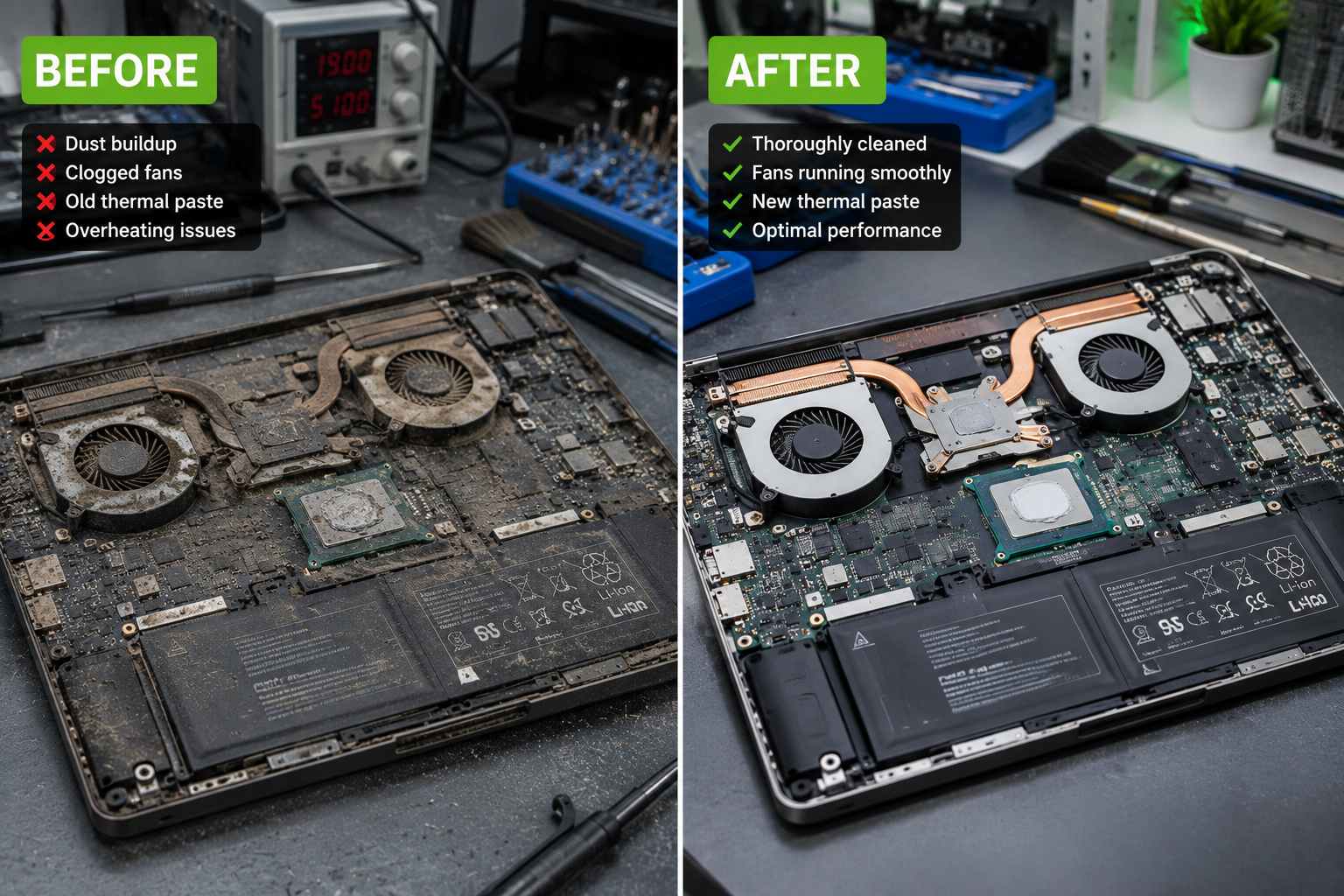
One of the most overlooked causes of overheating is old thermal paste.
Thermal paste is a special compound placed between the processor and cooling system. Its purpose is to transfer heat efficiently away from critical components.
Over time, thermal paste dries out and loses its effectiveness.
When this happens:
Heat transfer becomes inefficient
Processor temperatures rise
Fan noise increases
System performance declines
Replacing thermal paste can significantly improve cooling and restore normal performance.
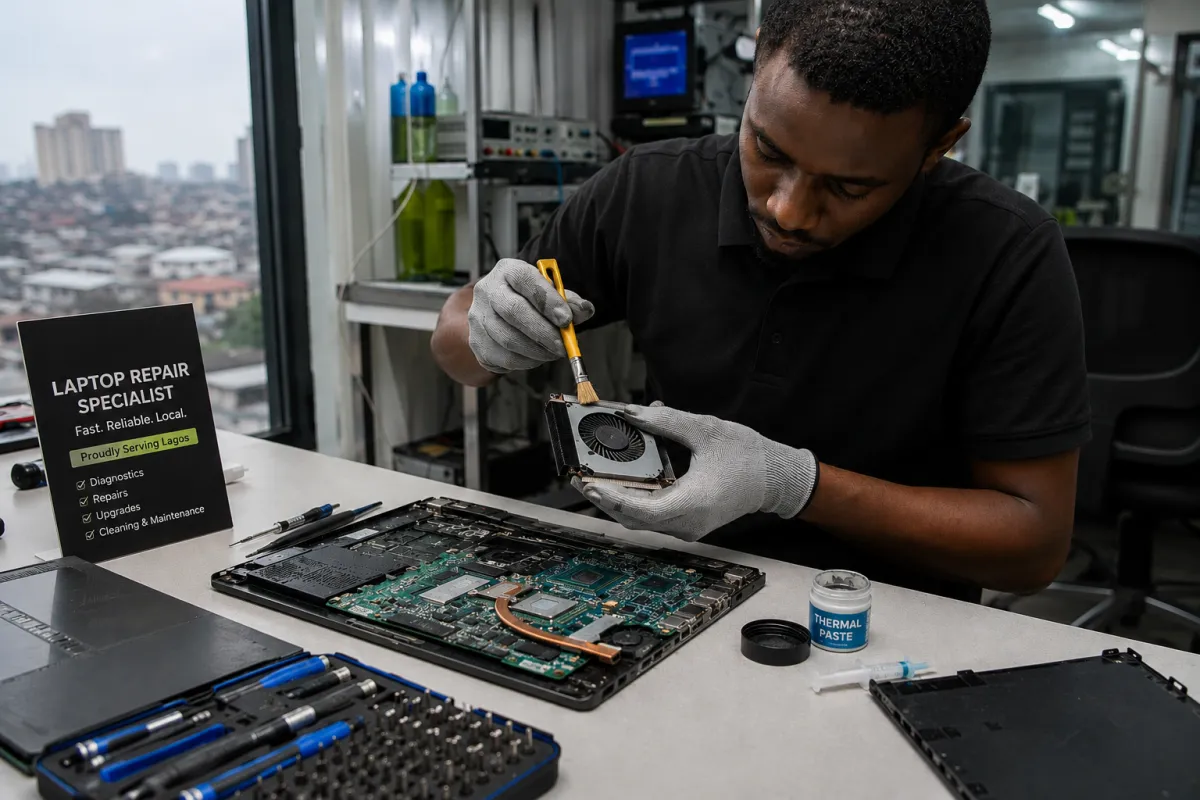
Professional Laptop Thermal Maintenance
If your laptop has not been professionally serviced in several years, a deep internal cleaning may be necessary.
Professional thermal maintenance typically includes:
Complete internal dust removal
Cooling fan inspection
Heat sink cleaning
Thermal paste replacement
Ventilation system servicing
Temperature testing
General hardware inspection
This preventive maintenance can help extend the lifespan of your laptop by several years while improving speed, stability, and overall performance.
When to Seek Professional Repair
You should consider professional diagnosis if your laptop:
Frequently overheats
Shuts down unexpectedly
Makes excessive fan noise
Runs significantly slower than before
Displays battery swelling
Has charging issues
Freezes during normal use
Addressing these issues early is often less expensive than replacing major components later.
Final Thoughts
Lagos’ environment presents unique challenges for electronic devices. From intense heat and high humidity to dust accumulation, generator fumes, and frequent power fluctuations, laptops in Lagos often face harsher operating conditions than those in many other parts of the world. Over time, these factors can cause overheating, reduced performance, shortened battery life, and even permanent hardware damage.
The good news is that most overheating issues are preventable with regular maintenance and timely professional servicing. Simple steps such as internal cleaning, cooling system inspections, thermal paste replacement, and proper ventilation can significantly improve your laptop’s performance and extend its lifespan.
If your laptop is running unusually hot, slowing down during everyday tasks, producing excessive fan noise, or shutting down unexpectedly, it is important to address the problem early. Ignoring these warning signs can lead to costly repairs, data loss, or complete hardware failure. Professional cleaning and thermal maintenance services can restore optimal performance, improve cooling efficiency, and help protect your valuable files and work.
At Repairbirds, we understand the unique challenges Lagos residents face when it comes to keeping their devices running smoothly. Our experienced technicians provide thorough laptop diagnostics, internal cleaning, thermal paste replacement, fan servicing, and comprehensive repair solutions designed to keep your laptop performing at its best.
Remember, regular laptop maintenance is not an expense, it is an investment in the long-term health, reliability, and performance of your device. Taking proactive steps today can save you from major repair costs tomorrow and ensure your laptop remains dependable for years to come.